
Capture Without Friction: How Sqalia Global XP (Docubase 6) Streamlines Enterprise Document Archiving in Microsoft 365
In modern enterprise workflows, the biggest hurdle to effective document management isn’t a lack of tools—it’s friction. When employees finish drafting a contract in Word, reviewing a financial model in Excel, finalizing a presentation in PowerPoint, or receiving a critical invoice in Outlook, properly archiving that content usually requires a tedious round trip. Users typically have to save the file locally, switch to a web browser, log into their Enterprise Content Management (ECM) system, locate the right repository, and manually re-enter index metadata.
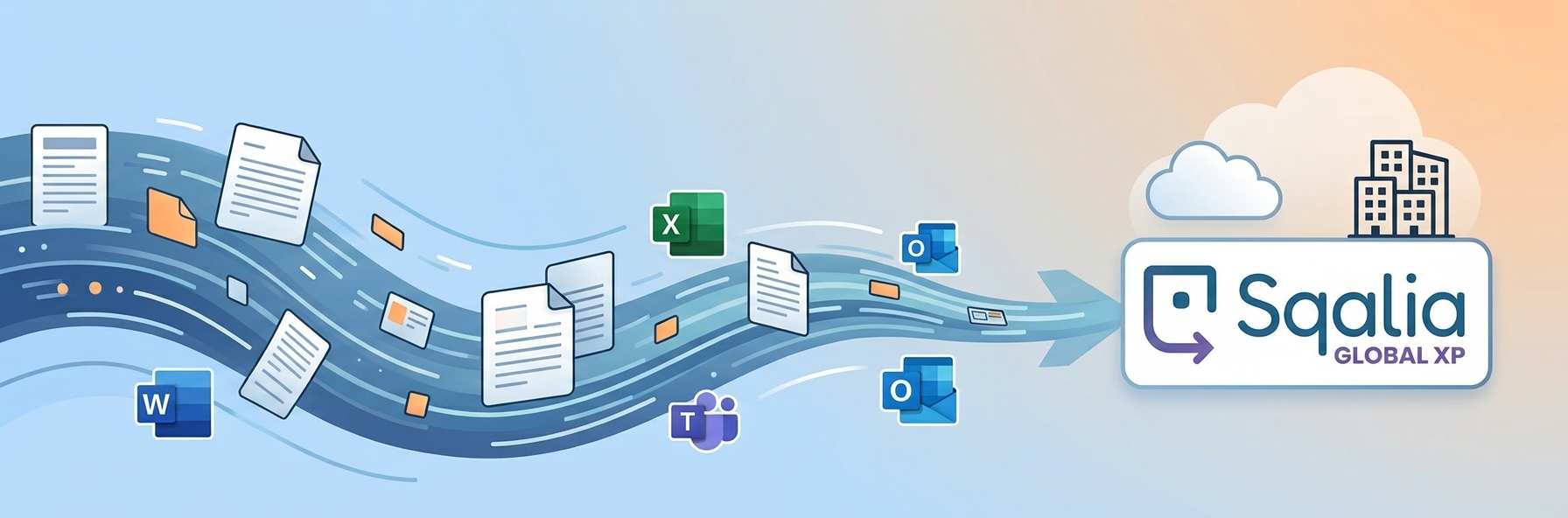
The Sqalia Global XP Microsoft 365 Connector eliminates this unnecessary friction by bringing document capture and indexing tools directly into the Microsoft desktop tools your team uses every single day.
An Intelligent Capture Front End Inside Office
It is important to understand what makes this integration so efficient. Rather than acting as a complex two-way cloud sync, mapped drive, or live co-authoring WOPI host, the Sqalia add-in serves as an intelligent, built-in capture and indexing front end. Every file transfer creates an independent, governed snapshot in Sqalia while allowing the user to remain completely within their active workspace.
By opening the EDM Indexing side panel directly from the Home ribbon in Word, Excel, PowerPoint, or Outlook, staff can file content into Sqalia in seconds:
- Automatic Metadata Inheritance: Document properties—including title, author, company, creation date, last save time, and revision number—travel automatically with the file, drastically reducing manual data entry.
- Flexible Capture Options: Users can archive files in their native format or check a single box to convert the document to PDF client-side before sending, ensuring a faithful rendering.
- Precise Version Management: Content can be filed as a brand-new document with a full index card or attached directly as a new minor or major version to an existing document base.
- Comprehensive Outlook Capture: In Outlook, the panel captures the entire email body (preserving HTML formatting and inline images) while automatically filing each attachment as an individual document.
Streamlined File Browsing and Teams Sharing
Beyond desktop Office capture, the integration provides dedicated surfaces to manage document handoffs across teams:
- The Teams Repository Tab: A custom tab within Microsoft Teams acts as a personal file browser across your organization’s OneDrive storage, enabling users to select, filter, convert, and index files into Sqalia without toggling applications.
- Direct Outbound Sharing to Teams: When a document inside Sqalia needs quick review or discussion, users can utilize the Send to Microsoft Teams action inside the Sqalia web client. This feature copies a reference snapshot into the sender’s OneDrive and generates an organization-wide sharing link directly inside a Teams channel or direct chat.
The Bottom Line
By embedding capture and indexing capabilities directly into the Microsoft ribbon, Sqalia Global XP bridges the gap between everyday employee productivity and strict organizational governance. Your enterprise gains complete document control, automated metadata tracking, and consistent archiving—without ever interrupting business momentum.

dbs Software & Services (dbs) is a long-standing provider of document management and process automation solutions for education and business, and the exclusive provider of Tessi Docubase® in North America.
Tessi Docubase® is an enterprise-grade modular, secure, and easy-to-use document management system that seamlessly integrates with Business Information Systems. Its secure architecture and a broad range of features make it the perfect solution for a wide range of enterprises and use cases.
dbs LiveForms, is a low-code Business Process Automation platform. Its sole focus is simplifying complex processes by automating repetitive steps – from data capture to alerts, notifications, email confirmations, and everything in between quickly, without involving a programmer.
dbs eSign is a cloud-based electronic signature solution that allows users to manage the signing process for a document, from upload to signing and sealing, from any mobile device or computer.
Stay up to date with all our document management blogs and content by following us on LinkedIn

Leave A Comment